


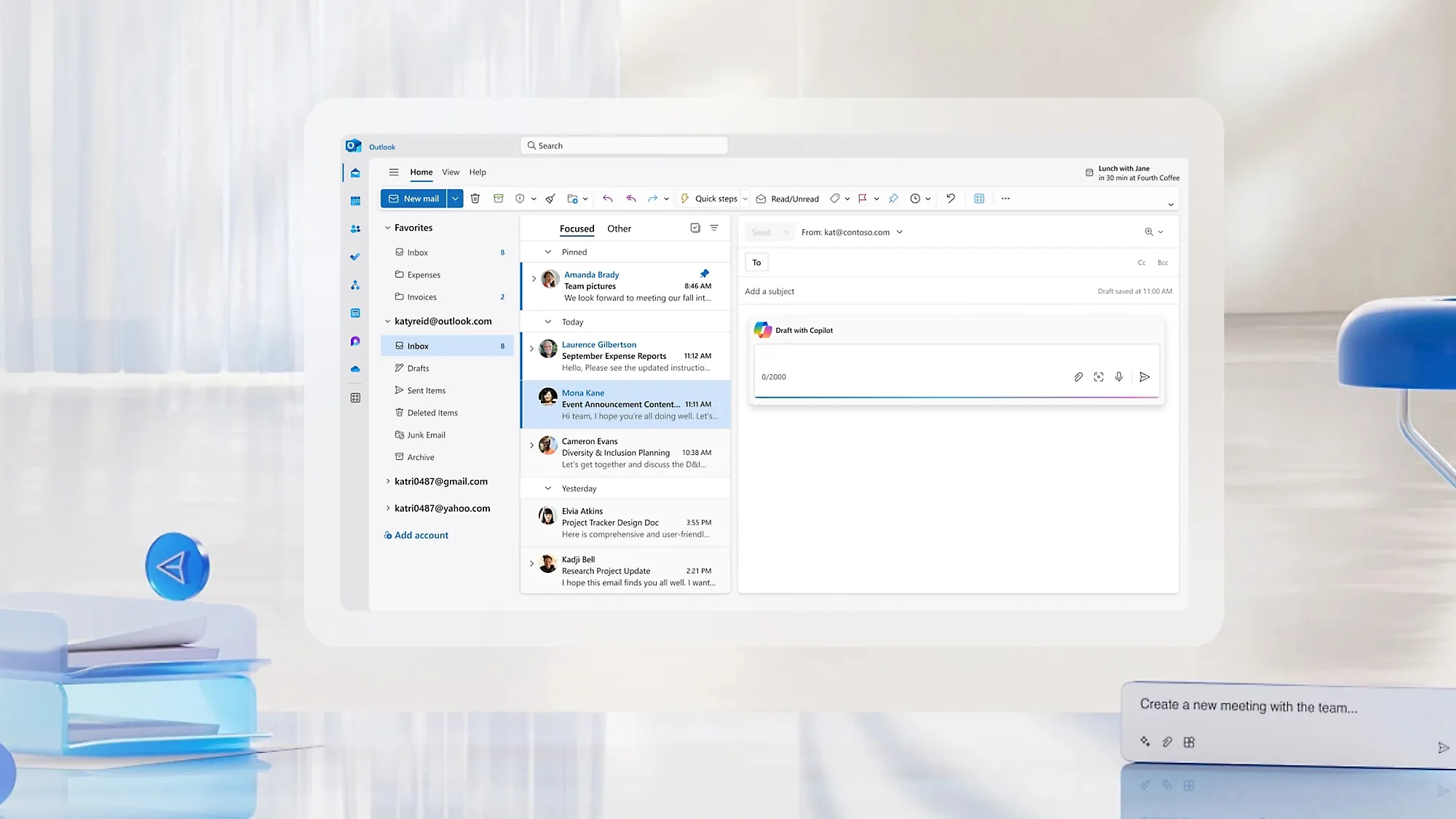
Microsoft is preparing another major update for Outlook that will help users avoid one of the most common email mistakes, replying to an outdated email. The new Outlook reply alerts feature is designed to notify users whenever they attempt to respond to an older message after someone else has already replied in the same conversation.
The update is part of Microsoft’s ongoing efforts to improve the Outlook experience on both Windows 10 and Windows 11 after the new Outlook application became generally available in 2024.
Outlook Will Warn You Before Replying to an Old Email
One of the most useful additions is a built-in reply alert. When you click Reply, Outlook will automatically check whether the email you’re responding to is still the latest message in the conversation.
If a newer email has already been sent by another participant, Outlook will display a warning before you continue. This helps prevent confusion, duplicate responses, and situations where users unknowingly respond without seeing the latest information.
Although Microsoft has not yet revealed the exact design of the notification, the company plans to enable the feature by default for all users.
As reported by Digital Trends and outlined in Microsoft’s product roadmap, testing of the feature began on July 7, 2026, with a wider rollout expected before the end of August 2026.
The feature will also be available for Outlook.com users, ensuring a consistent experience across desktop and web versions of Outlook.
Improved Categories for Better Email Organization
Microsoft is also making categories easier to use within Outlook.
The upcoming improvements include:
- Applying categories directly from the right-click context menu.
- Pinning frequently used categories to a Favorites section.
- Dragging and dropping emails onto pinned categories for faster organization.
These enhancements are expected to become available by the end of September 2026 and should make inbox management much quicker for users who rely on categories to organize work.
Automatic Reply Templates Based on Rules
Another productivity-focused feature coming to Outlook is rule-based reply templates.
Users will be able to:
- Create reusable email templates.
- Set conditions that trigger each template.
- Allow Outlook to automatically send predefined responses when incoming emails meet those conditions.
This feature can save significant time for customer service teams, help desks, HR departments, and professionals who frequently send similar responses.
Microsoft expects this capability to begin rolling out in September 2026.
Why These Updates Matter
Email remains one of the primary communication tools in businesses, and small workflow improvements can make a noticeable difference. Reply alerts reduce the chances of responding with outdated information, while improved categories and automatic reply templates simplify inbox management and repetitive communication.
Together, these updates demonstrate Microsoft’s continued investment in making Outlook smarter, faster, and more efficient for everyday users.
According to Digital Trends, these features are part of Microsoft’s broader effort to enhance productivity across its Windows and Microsoft 365 ecosystem. Microsoft has also published these planned features on its official product roadmap.
For more interesting technology news, tips, and articles, check out our blog page at https://www.absmiley.com/blog/